Guides
Help centre
What do you need help with?
Search the guides by tool, task, or feature. You can also browse the main areas below.
Browse
All guides
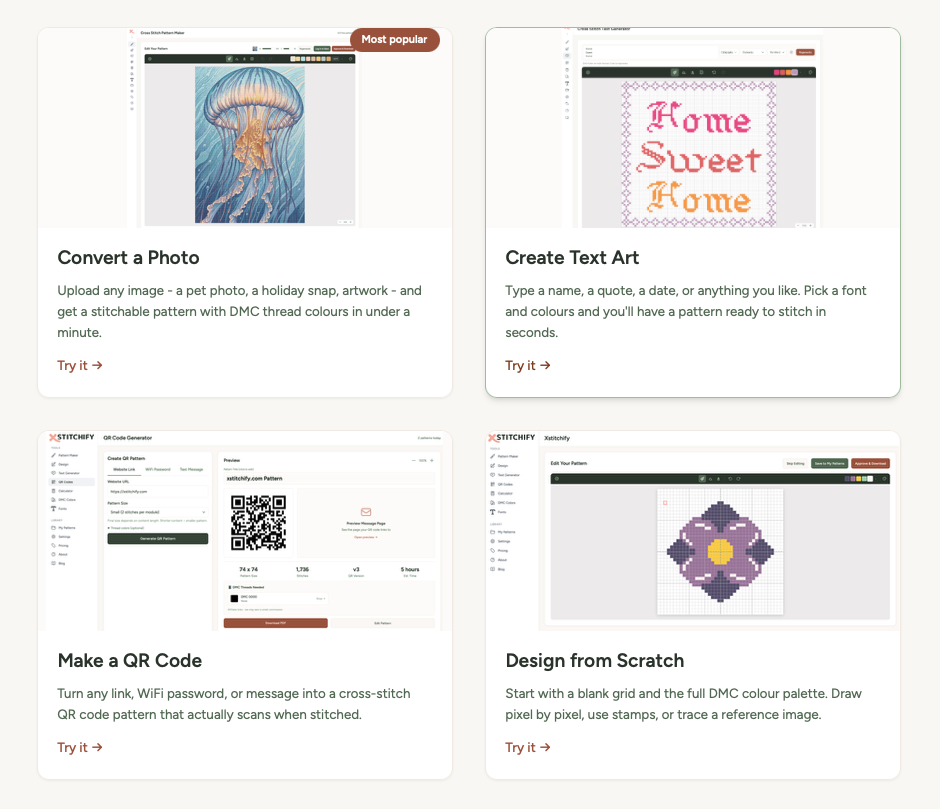
Getting Started
New here? A quick overview of all the tools and how to make your first pattern in minutes.
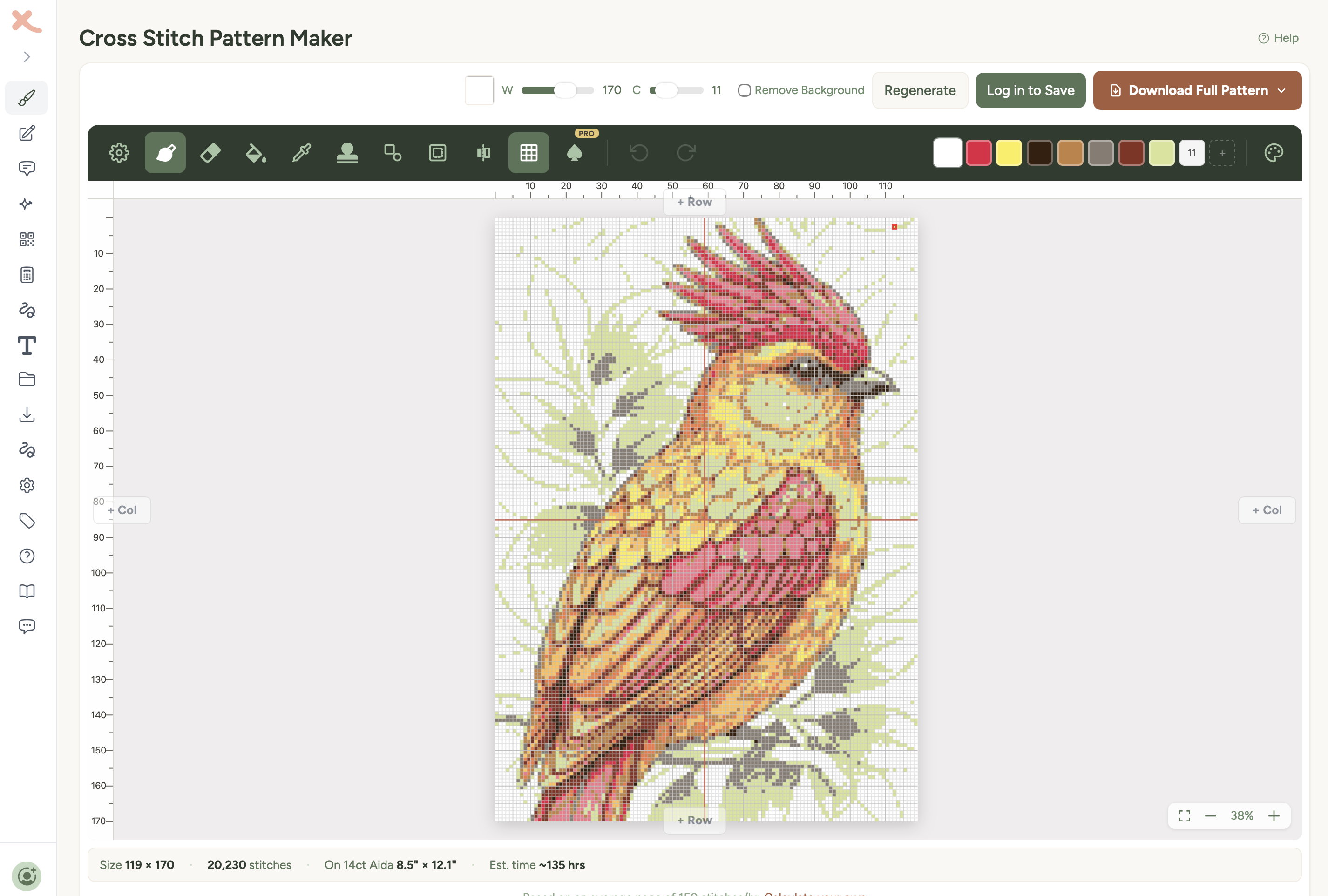
Pattern Maker
Convert any photo or image into a cross-stitch pattern with DMC thread colours.
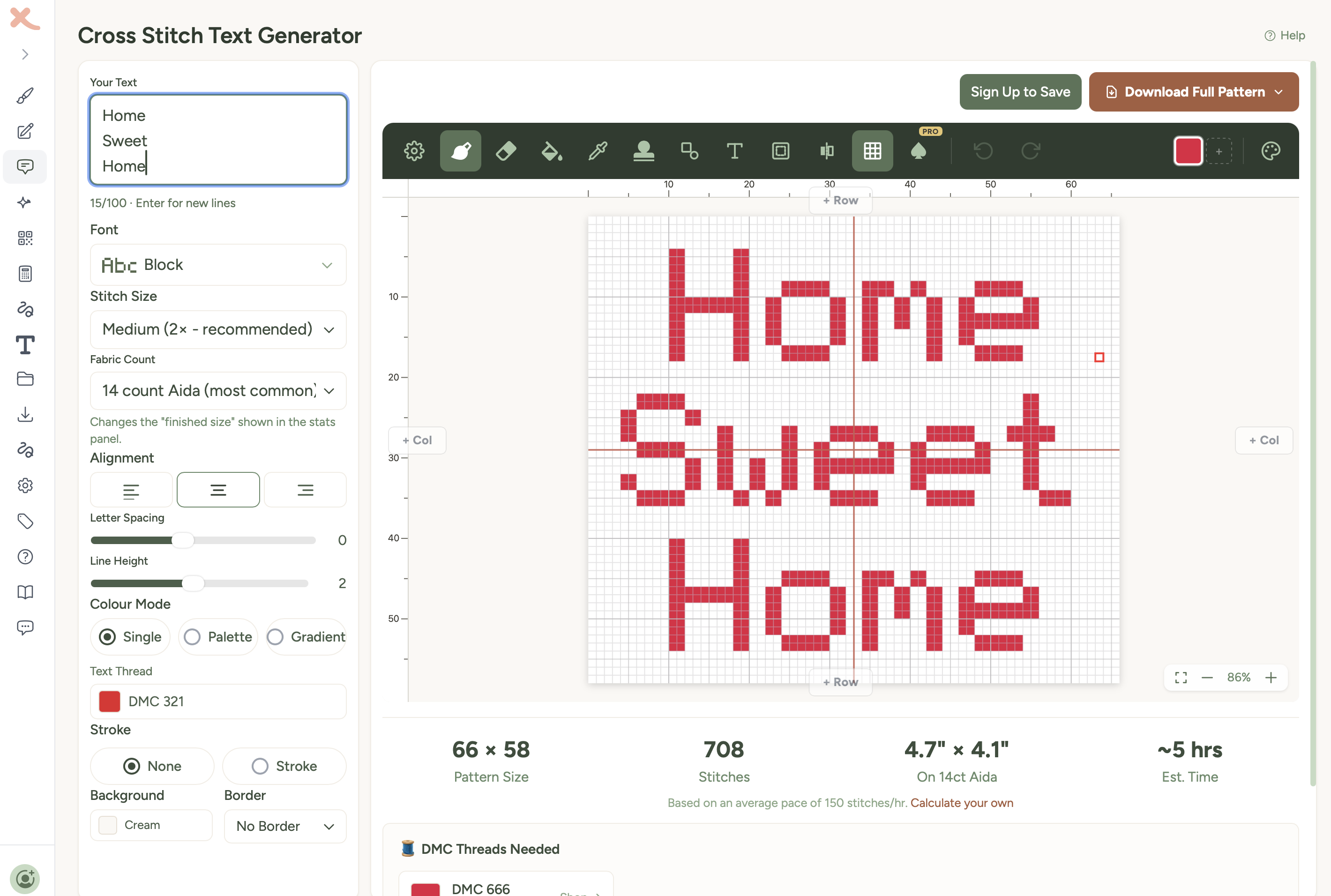
Text Generator
Turn names, quotes, and words into stitchable text patterns with beautiful fonts.
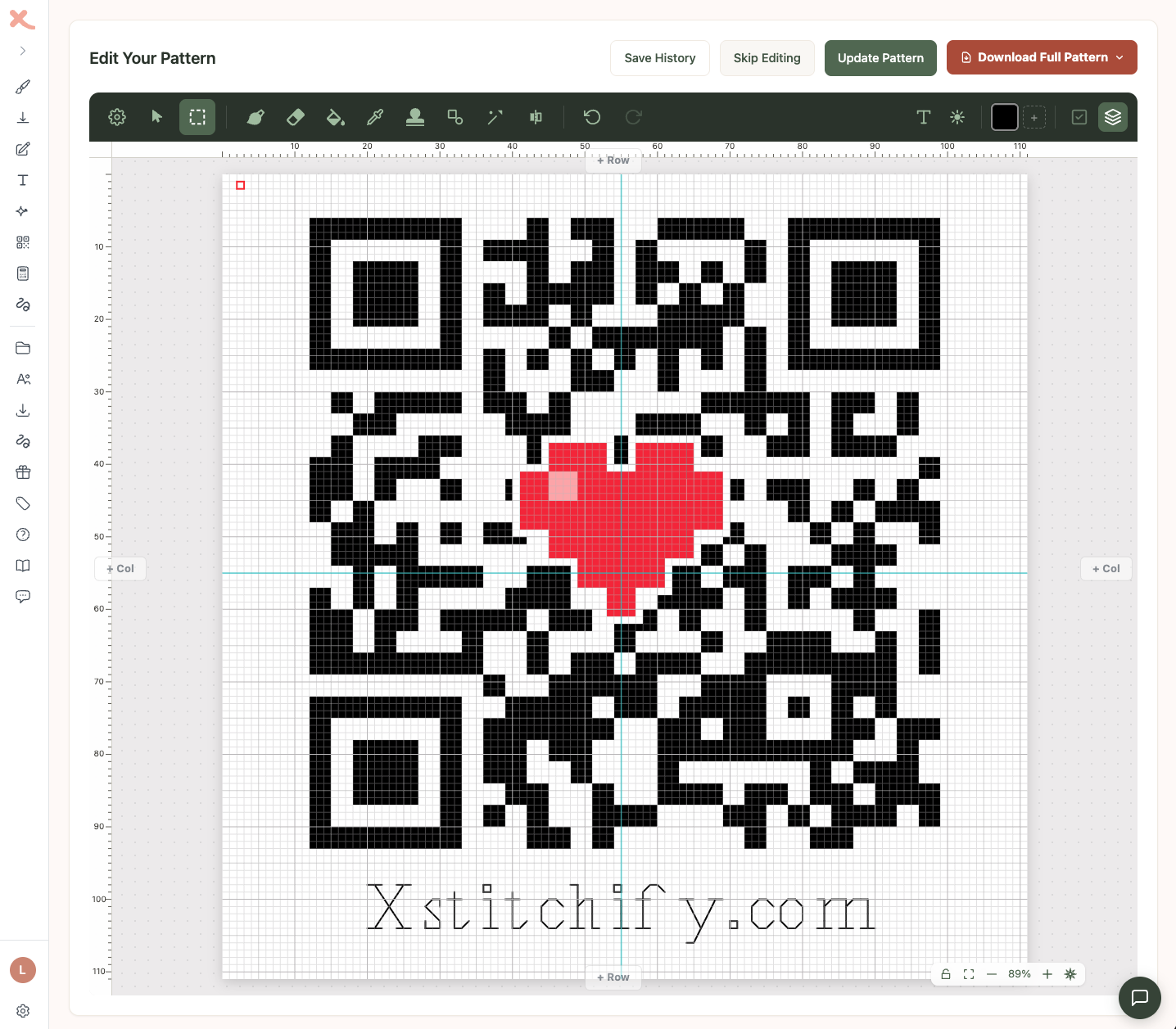
QR Generator
Create QR code patterns that actually scan when stitched. WiFi passwords, links, and more.
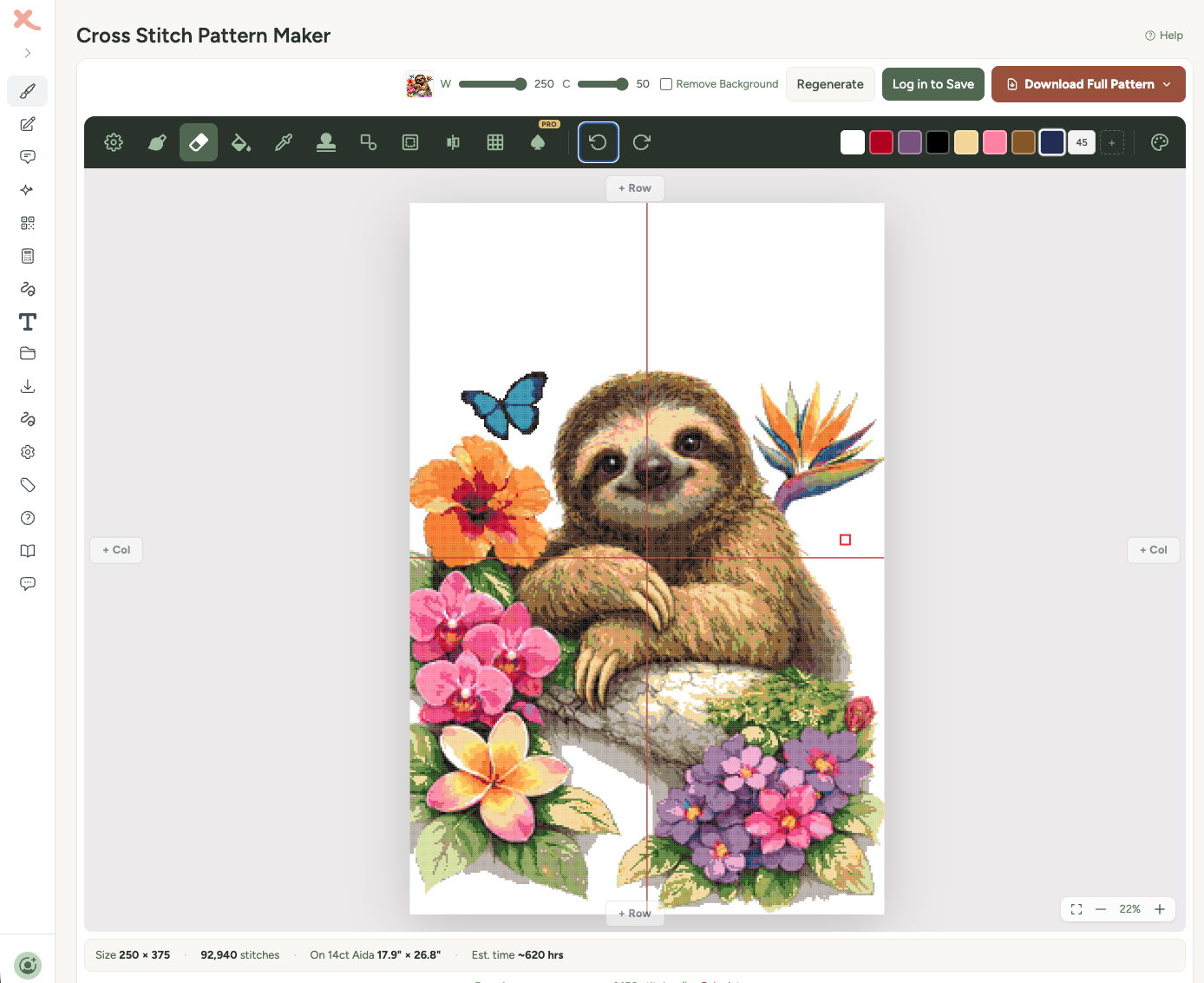
Designer
Draw your own patterns from scratch on a pixel grid with DMC thread colours.

AI Generator
Describe what you want and AI creates a cross-stitch pattern from your description.
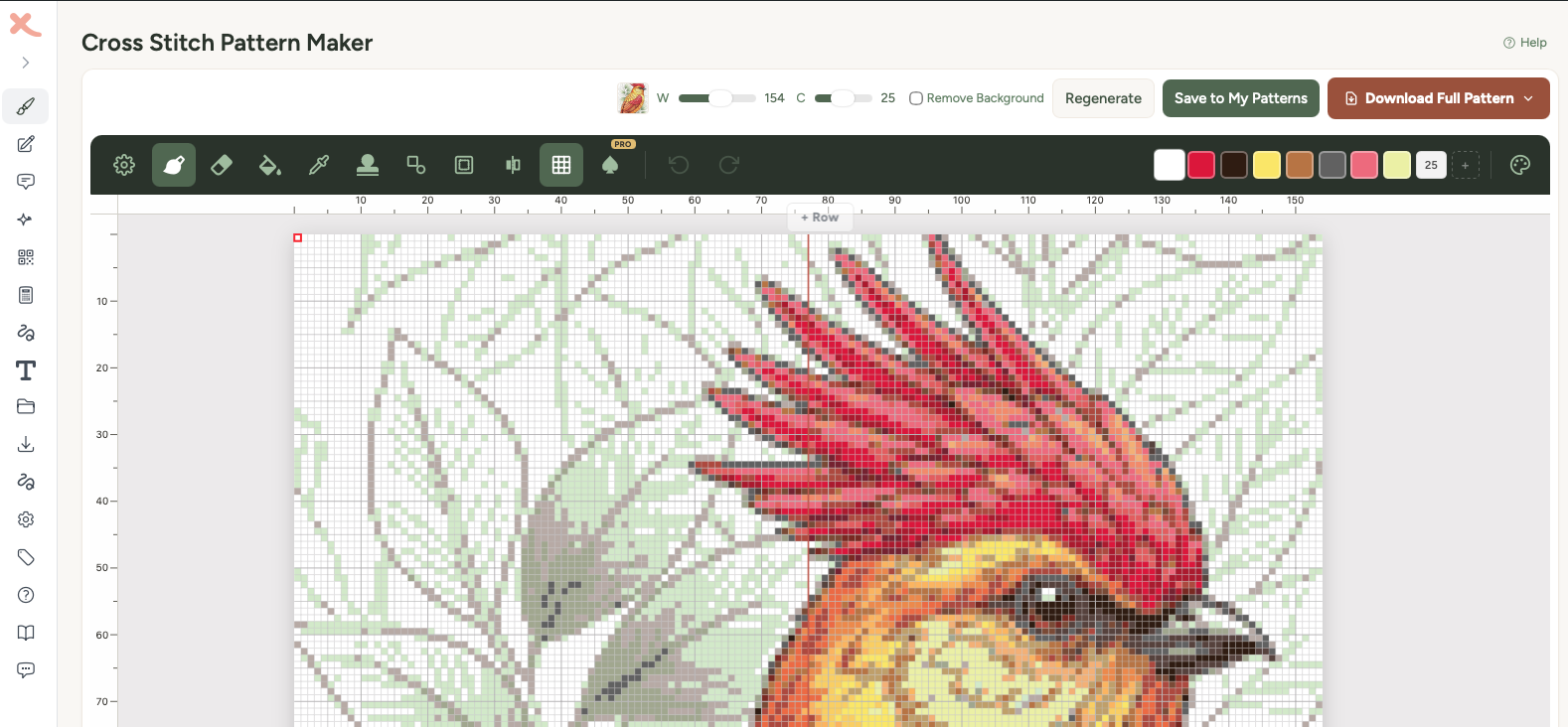
Pattern Editor
The drawing tools, colour picker, stamps, shapes, and everything in the pattern editor.
EditRefining the Chart in the Editor
Adjust size, colours, threads and background using your existing photo or AI image.
EditResize, Rotate and Position a Pattern
Change the design size, add blank canvas, fit a frame, rotate or flip stitches, and centre a motif.
Toolbar Reference
A visual reference for each editor toolbar button, icon, and tool.
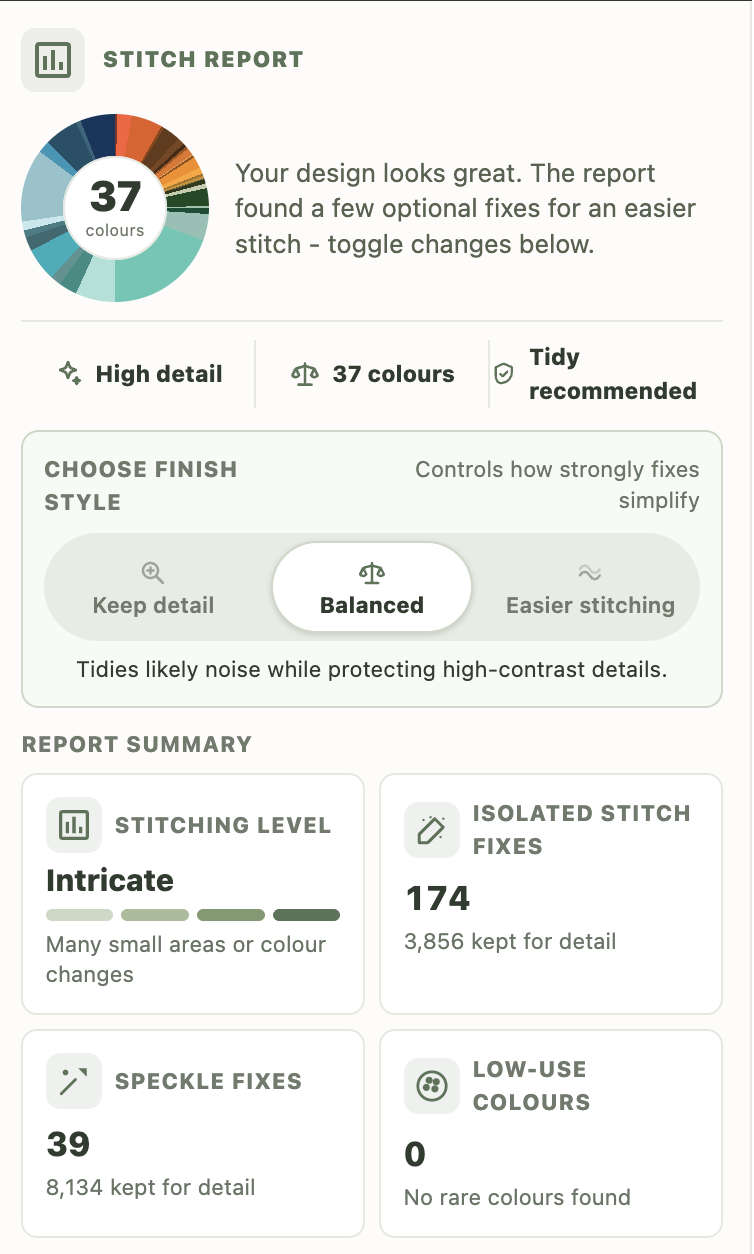
Stitch Report
Check your pattern before export, preview cleanup fixes, and apply selected recommendations.
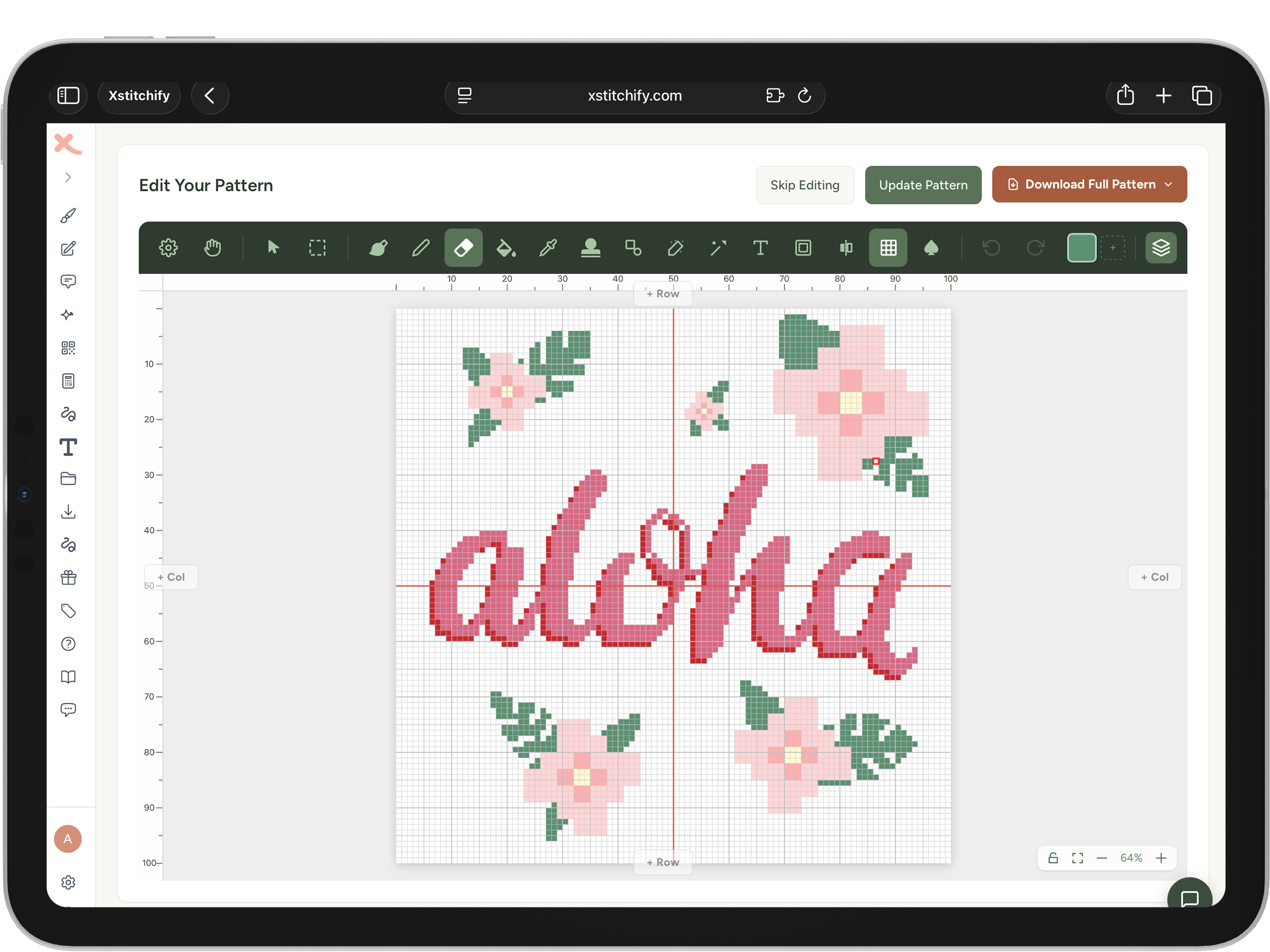
Pressure Brush
Use a stylus for smooth hand lettering, cursive, and pressure-sensitive drawing.
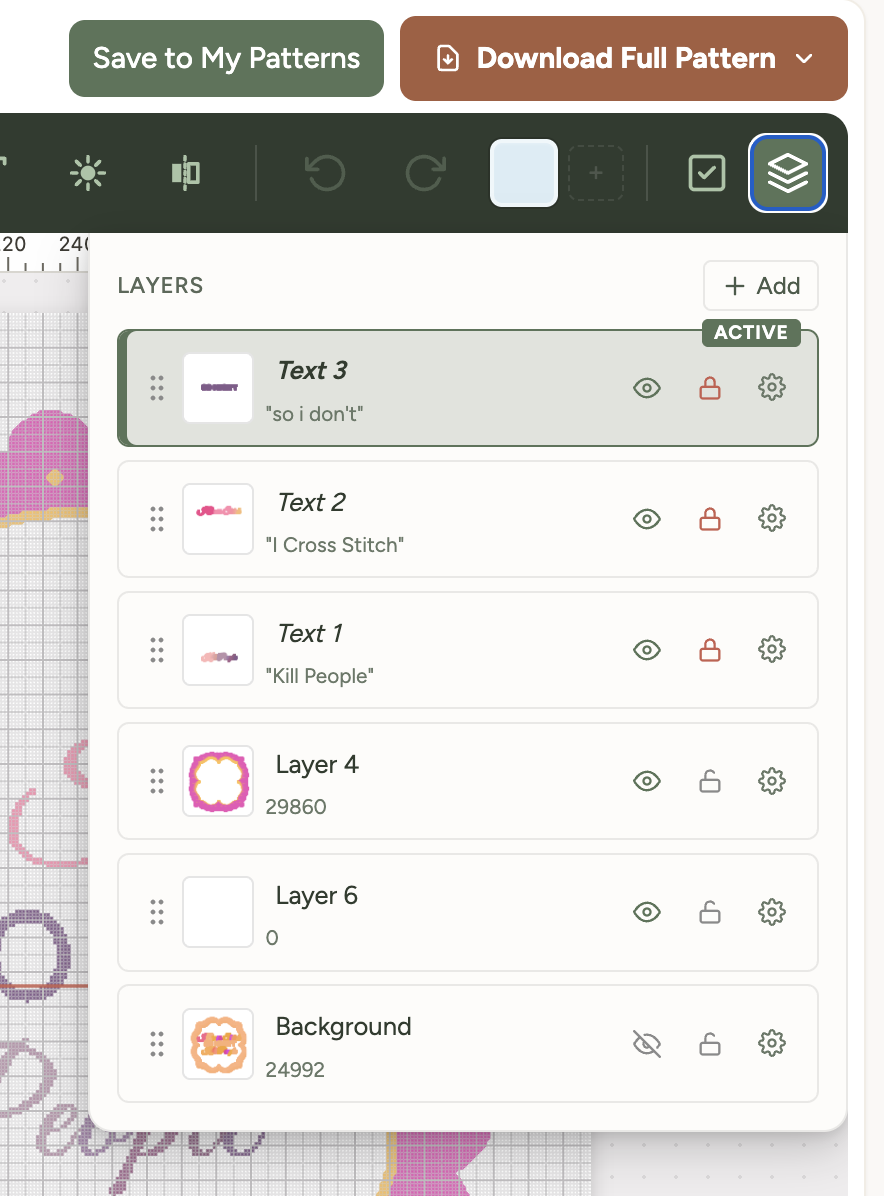
Layers
Work with stitch, text, sketch, and image layers in the editor.
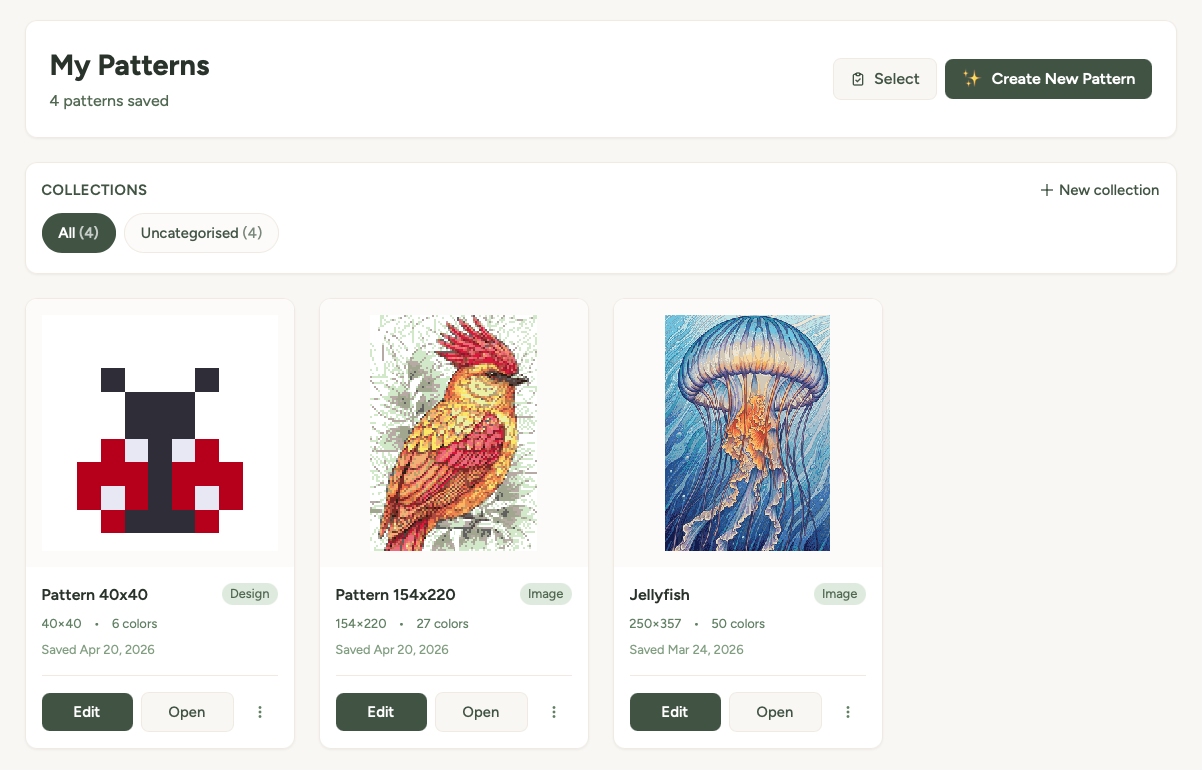
Pattern Library
Save, organise into collections, share, and re-download your patterns.
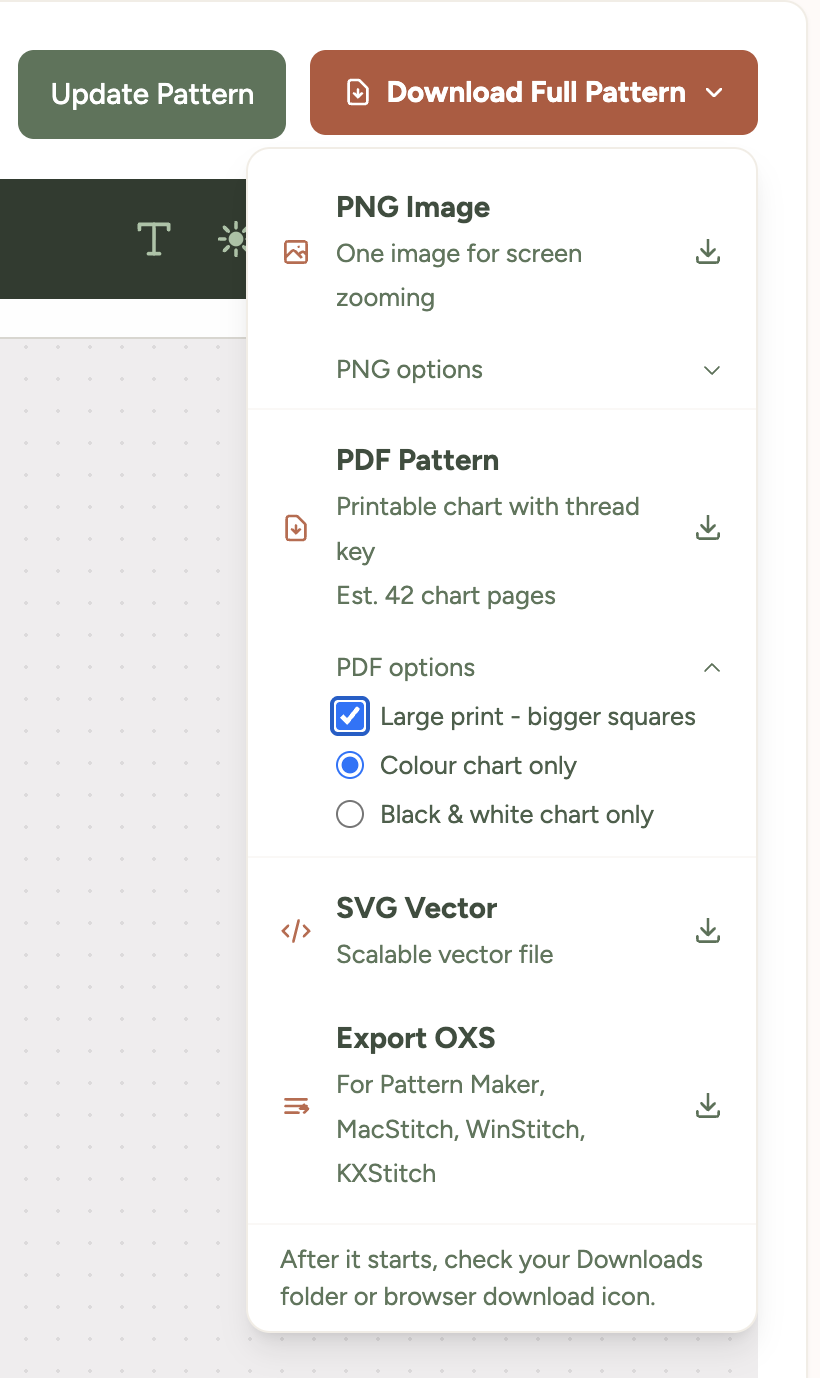
Finding Your Downloads
Find your PDF and use official browser guides to choose where downloads are saved.
 Standard and Pro
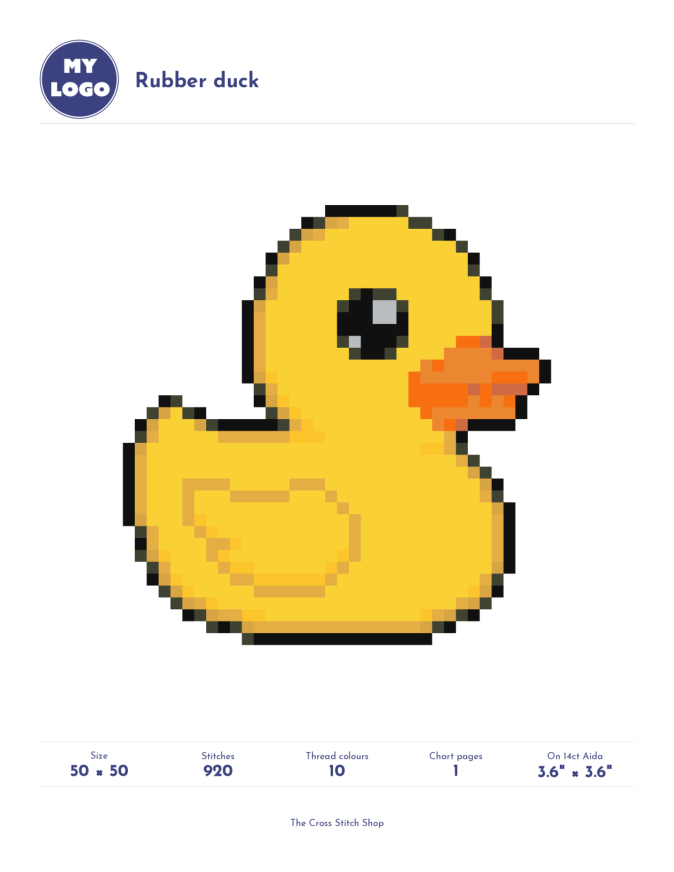
PDF Colours and Branding
Choose Standard colour themes or add your own branding with Pro. See the settings and a Rubber duck PDF example.
Printing Patterns
Download a printable PDF, find it on your device, and print it from your PDF viewer.
ManageLarge Print Patterns
Download a PDF with bigger chart squares and text, without changing the stitched design.
StitchUsing Pattern Keeper
Import your PDF, answer shaded-edge questions and troubleshoot missing thread numbers.
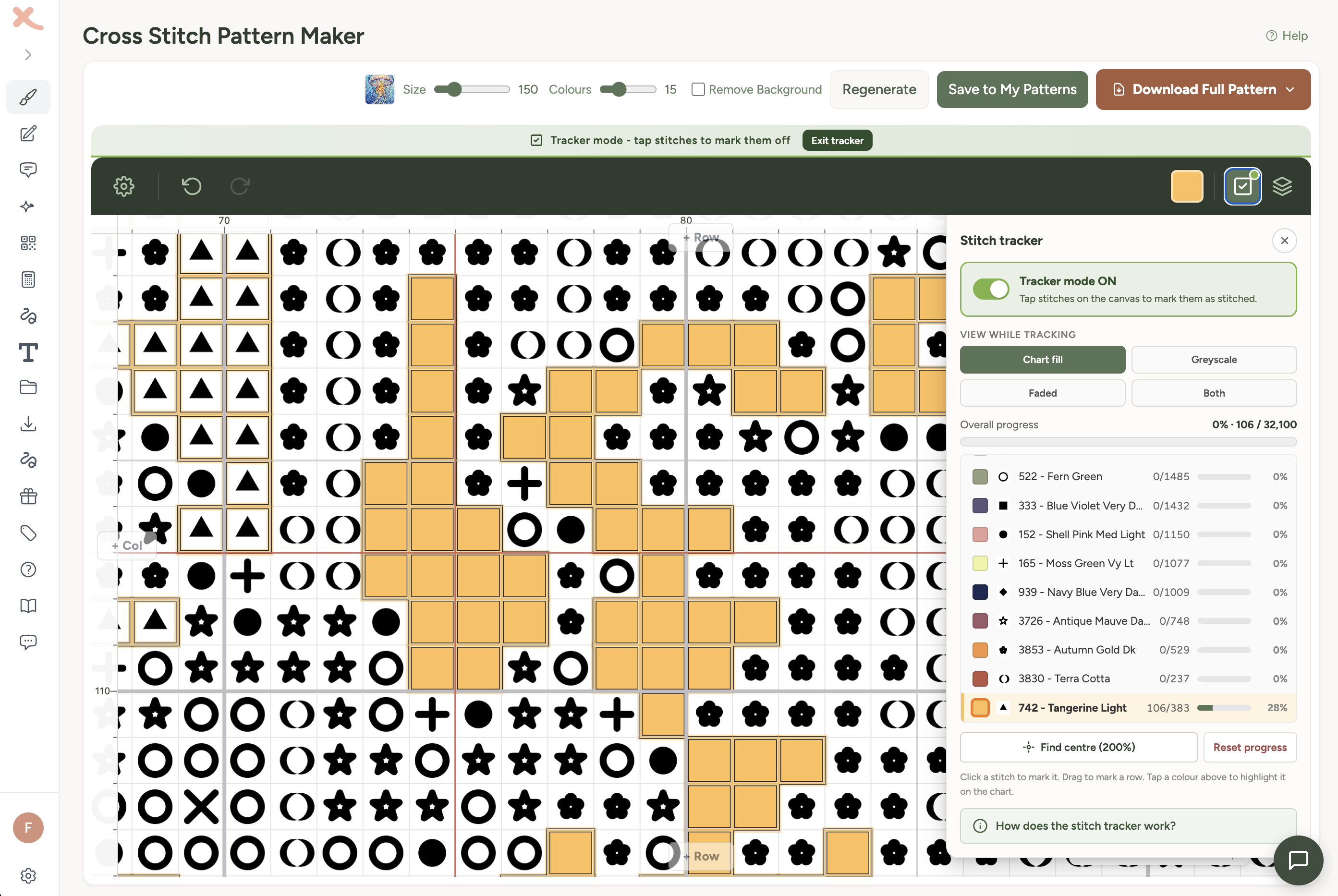
Stitch Tracker
Mark stitches off as you sew, track progress per thread, synced across iPad, PC, and any device.
Still stuck?
No worries at all - just drop us a message and we'll help you out. You can also reply to any email you've received from us.