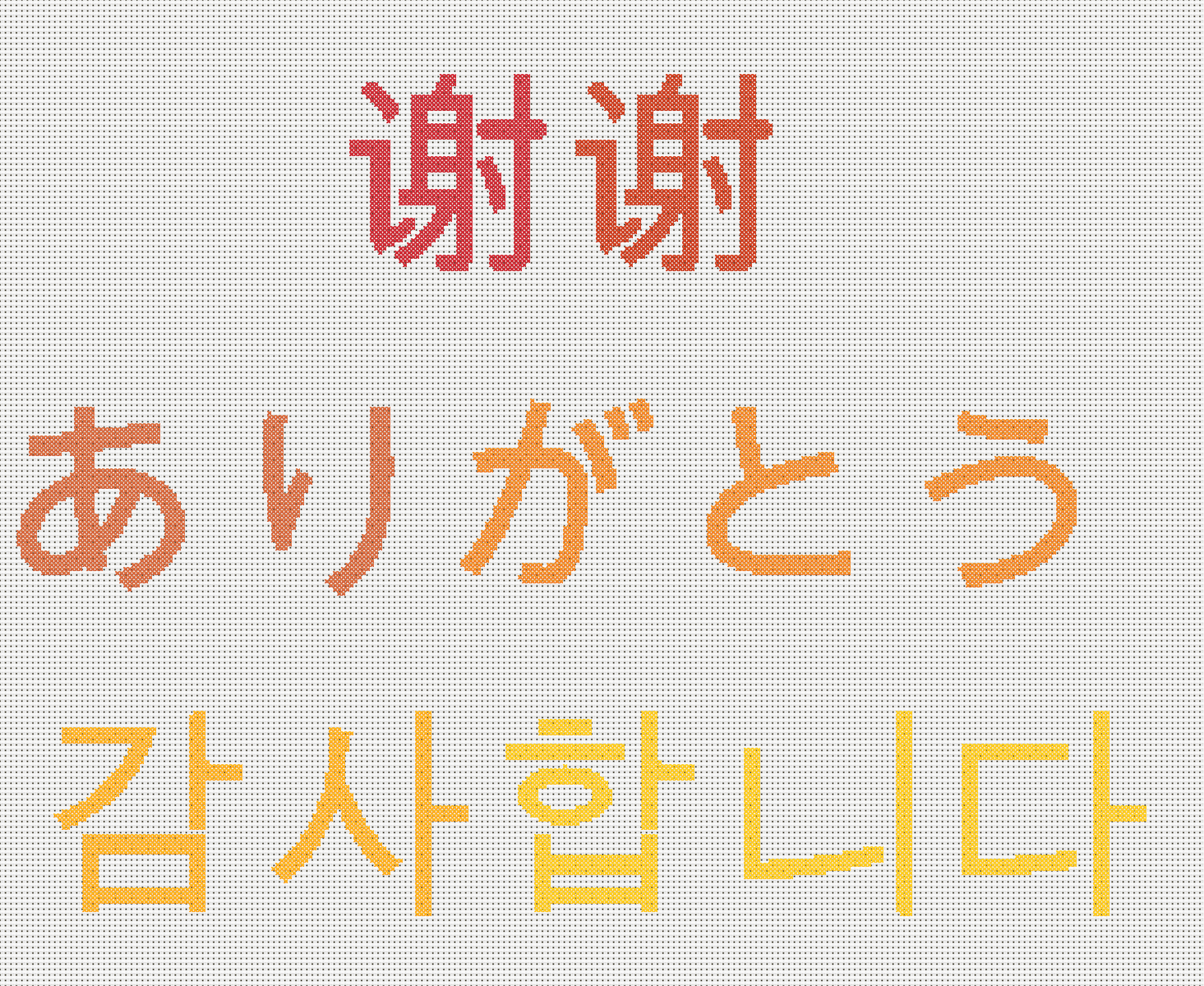
Cross Stitch Chinese Characters, Kanji and Hangul Guide
How to cross stitch Chinese characters, kanji and Hangul - which font to use, how many stitches each character needs and how to check the wording first.
Convert photos into stitchable patterns, generate multilingual text designs, and create QR codes - all with automatic DMC thread matching and confetti reduction. No app to download.
Join hundreds of other cross stitchers. Free to try, no account required.

Same photo. Same settings. Better result.
Drag the slider to compare. Both patterns use 150 stitches wide with 30 colours.
True-to-life colour matching
Our algorithm matches real thread colours using perceptual colour science, not simple RGB, so the result looks like your photo.
1,700+ colours across 4 brands
Match against DMC, Anchor, Madeira, and Cosmo thread ranges, then export your chart with real codes for the brand you prefer.
Smart confetti reduction
We group colours intelligently so your pattern is cleaner and faster to stitch. See how confetti cleanup works
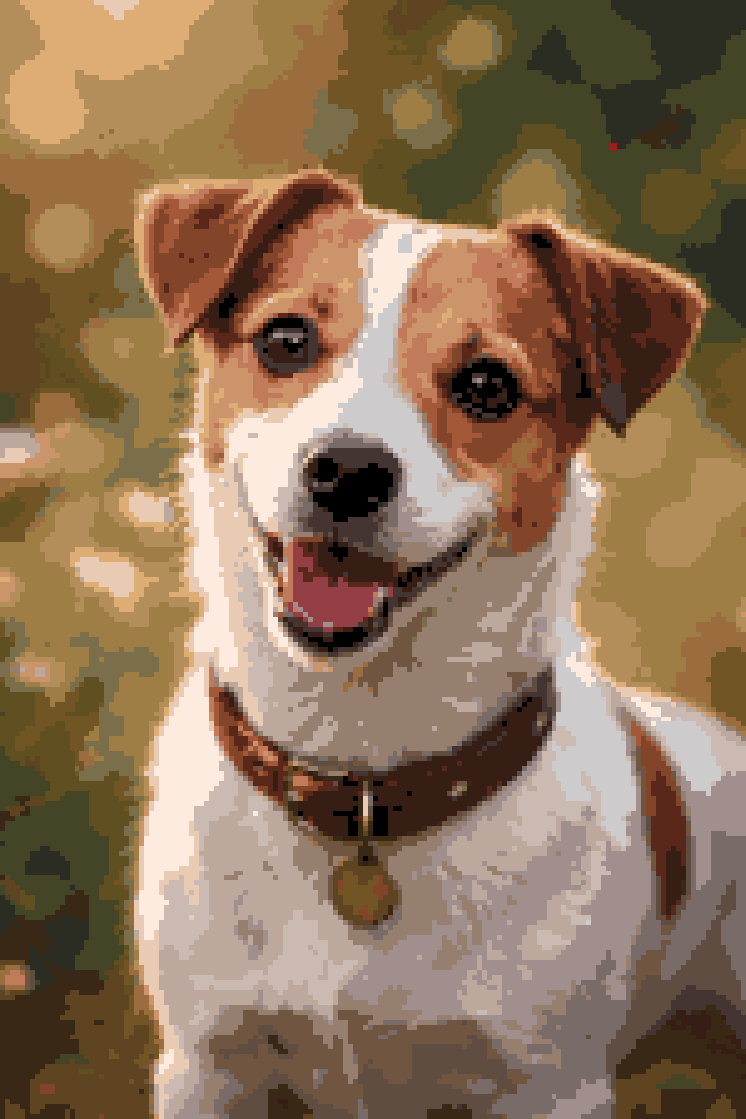
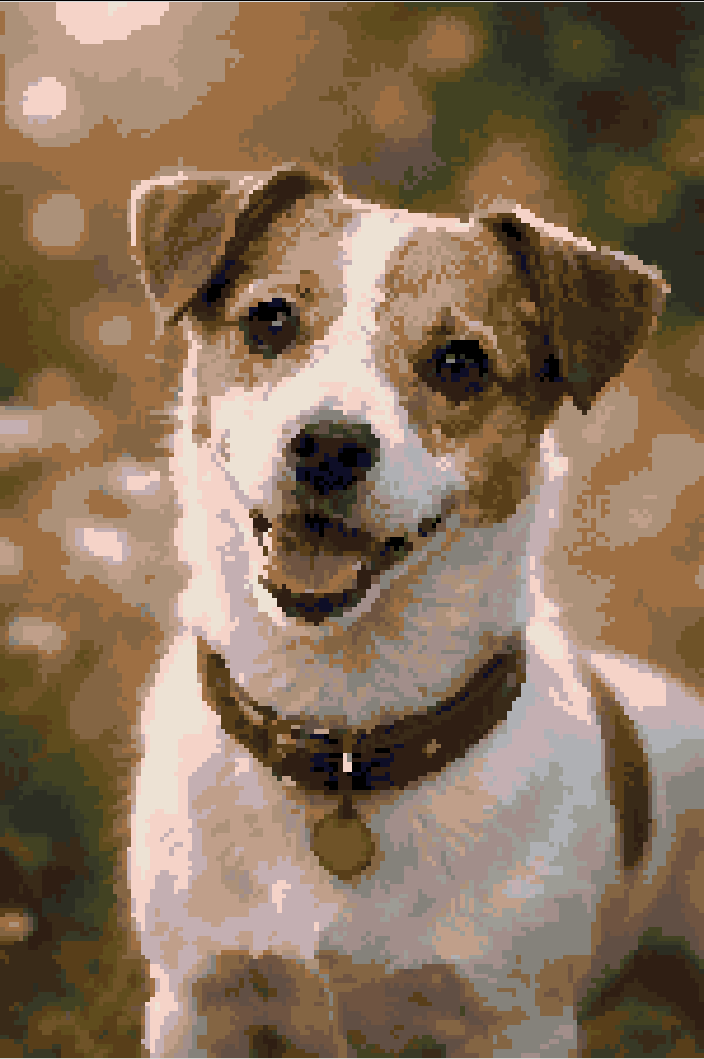
View dog sample PDF (opens in a new tab)
9 pages · 150 × 225 stitches · 30 DMC colours · 903 KB
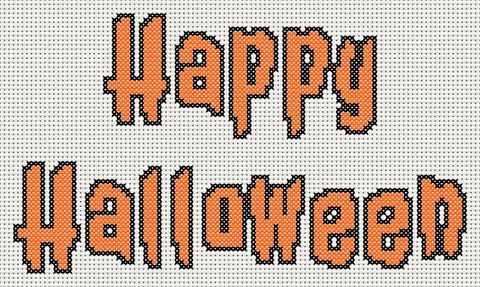
Spooky, playful and gothic lettering, ready to stitch.
Open a sample with a free account.
Changing words in premium fonts needs a subscription.
I don't cross stitch but used this to get a pattern for my mother of her favourite dog. Very easy to use, choose the finished item size and decide how many colours. She was pleased with the result.
I made a baby penguin! It was the best program I’ve ever had! Thank you, Louise. You’re a lifesaver!

Tired of gridding photos by hand?
Upload an image and get a stitchable chart in seconds - with DMC thread colours automatically matched, a symbol chart, and a full supply list. Our pattern maker reduces confetti stitches so your pattern is cleaner and easier to stitch.
Converting a photo? See the photo to cross stitch guide.
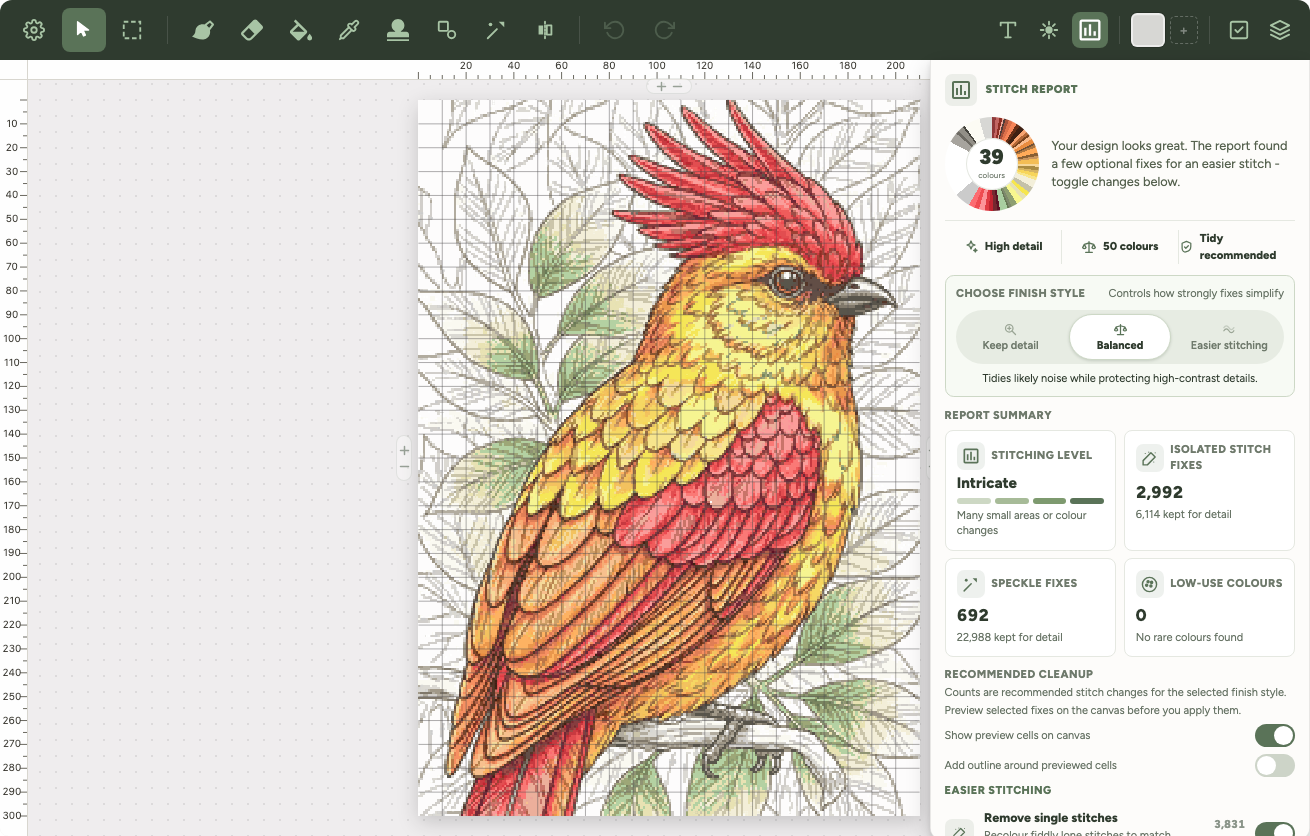
Stitch Report
Run a final report to spot isolated stitches, speckle, rarely-used colours, and optional background cleanup. Preview selected fixes on the canvas, choose how strongly to simplify, and apply only the changes you want.

Others: just a picture

Xstitchify: a real chart
AI Cross Stitch Pattern Generator
Describe anything - your pet as a watercolour, your gran's cottage, a robin on a snowy branch - and get a real chart with DMC, Anchor, Madeira or Cosmo codes. Most AI cross stitch tools give you a picture that looks like a pattern. We give you the chart underneath it, with confetti reduction, a symbol key, and a full editor to tweak every stitch before you download.

Struggling to chart letters by hand?
Type any name, quote, or phrase and get a cross stitch pattern instantly. Choose from multiple fonts including calligraphy, serif, block, and multilingual sans styles for accents, Cyrillic, Greek, Chinese and Japanese text. Add decorative borders and pick from colour palettes - perfect for wedding gifts, baby names, and samplers.

Want a unique cross stitch gift that does something?
Turn any URL, WiFi password, or text message into a cross stitch QR code that actually scans. The only cross stitch pattern maker with a dedicated QR code generator - great for wedding invitations, business cards, or a gift that links to a special message.

Have your own design in mind?
Start with a blank canvas and draw pixel by pixel. Create geometric cross stitch patterns with the shapes and symmetry tools, from mirrored diamonds to colourful mandalas. Choose from preset sizes for bookmarks, coasters, or go fully custom.

Cross Stitch Pattern Tracker
Mark stitches off as you sew them and watch the chart fill with colour. Per-thread progress bars show exactly how far along each colour is, and a colour-highlight tool helps you find where to stitch next. Your progress syncs across iPad, iPhone, Android, PC, and desktop - start on one device, pick up on another. No separate app to download.
pattern.xsd
Imported from Pattern Maker
342 confetti stitches found
After cleanup: 14 confetti stitches
Import and clean up patterns
Confetti stitches - those isolated single stitches scattered across your pattern - make projects painfully slow. Import OXS files from Pattern Maker, MacStitch, WinStitch, or KXStitch, Pattern Maker .xsd files, or PCStitch 7/8 .pat files, and use our confetti cleanup brush to clean up the messy areas while keeping the detail that matters - like eye highlights and fine edges that make a pattern look real.
Quick facts
Xstitchify is a free online cross stitch pattern maker that turns photos, text, QR codes and your own drawings into printable charts with real thread codes. It runs in your browser and is free to start.
How pricing works
No card needed
Create photo, text, QR code and blank-canvas patterns. Get free PNG previews and 5 free PDF downloads when you sign up.
Sign up freePay as you go
Buy separate PDF download and AI generation credits when you need them. No subscription; credits never expire.
See credit pack pricesMonthly or annual
Unlimited PDFs, premium fonts, the stitch tracker and a monthly AI allowance. Credit packs do not unlock these subscriber tools.
Compare plans and pricesXstitchify is a browser-based cross stitch pattern maker built to replace the slow, paper-and-pencil process of charting a design by hand. Whether you want to convert a holiday photo into a stitchable chart, type a name in a calligraphy font, design a mandala from scratch, or import a pattern from another tool to clean up the confetti, every workflow produces a real cross stitch chart with DMC, Anchor, Madeira, or Cosmo thread codes and a printable PDF compatible with Pattern Keeper.
Unlike desktop cross stitch pattern maker software like PCStitch, MacStitch, or KG-Chart that needs to be installed on a Windows or Mac computer, Xstitchify runs in any browser - so you can sketch on iPad with Apple Pencil, refine on a phone in bed, and print from a desktop the next morning. There's nothing to download. Pair it with the fabric calculator, thread calculator, and the printable DMC colour chart to plan your project end to end.
A cross stitch pattern maker is a tool that turns an image, a piece of text, or a hand-drawn design into a stitchable chart - a grid of symbols, each one mapped to a specific thread colour. Xstitchify is a free cross stitch pattern maker that runs in your browser. It handles photo conversion, text and lettering, QR codes, blank-canvas drawing, and importing OXS or .xsd files from other software, and outputs a printable PDF chart with DMC, Anchor, Madeira, or Cosmo thread codes.
The right cross stitch pattern maker depends on what you want to chart. Xstitchify is free, browser-based, and covers photos, text, QR codes, and blank-canvas designs in one tool, with confetti reduction and Pattern Keeper compatible PDFs. Desktop alternatives like PCStitch, MacStitch, and KG-Chart are also widely used, but they require installation on Windows or Mac. Stitch Fiddle is a free browser tool but lacks the AI confetti reduction and multi-tool workflow. See the full comparison for feature-by-feature details.
Most cross stitch pattern makers focus on image-to-chart conversion only. Xstitchify includes a dedicated text generator with multiple cross stitch fonts and decorative borders, plus a QR code generator that produces scannable codes you can stitch as wedding gifts, business cards, or message-linked keepsakes. Both work alongside the photo converter and use the same DMC thread matching and pattern editor.
No. Xstitchify runs entirely in your browser, so it works on iPad, iPhone, Android, Mac, and PC without any app or installation. You can sketch on iPad with Apple Pencil, refine on a phone, and print from a desktop the next morning. Desktop cross stitch pattern maker software (PCStitch, MacStitch, WinStitch, KG-Chart) requires installation and is usually limited to Windows or Mac.
Not really - they're different names for the same kind of tool. A cross stitch chart maker, chart generator, template maker, and pattern creator all do one job: turn a photo, some text, or a hand-drawn design into a chart of symbols matched to thread colours. The wording just depends on who's searching. What actually matters is what goes in and what comes out - Xstitchify takes photos, text, QR codes, or a blank canvas, and every route exports a printable PDF with DMC, Anchor, Madeira, or Cosmo codes.
Free to use, no account required. Upload a photo or type some text and have a pattern in under a minute.
Rated 4.9/5 by 15 stitchers · 77200+ patterns created
Start CreatingSelling patterns on Etsy? See plans for pattern sellers
Not sure how much fabric or thread you need?
How to cross stitch Chinese characters, kanji and Hangul - which font to use, how many stitches each character needs and how to check the wording first.
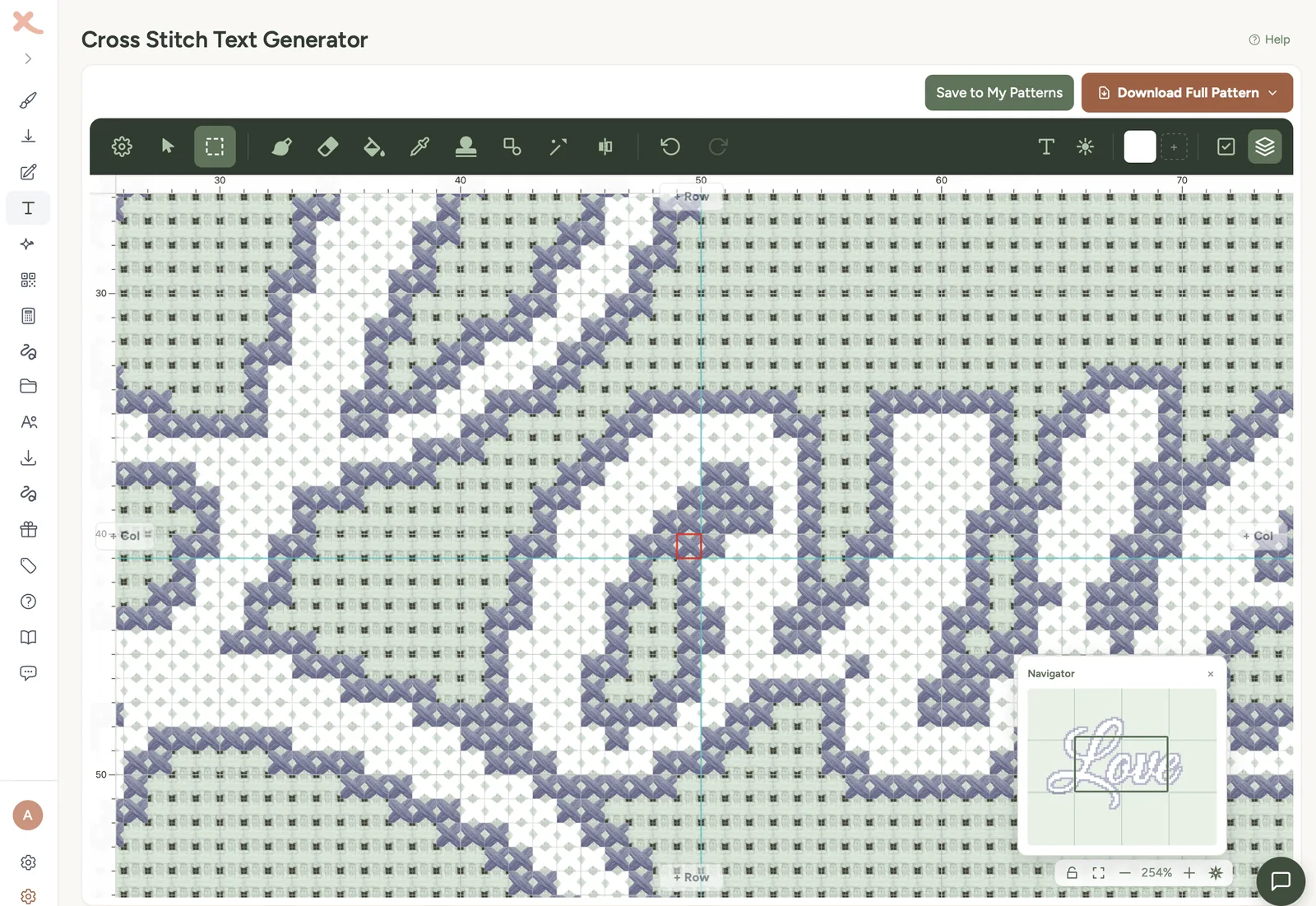
Learn how to cross stitch alphabet letters, with practical advice on choosing fabric, font, sizing, centring, backstitch and avoiding common lettering mistakes.
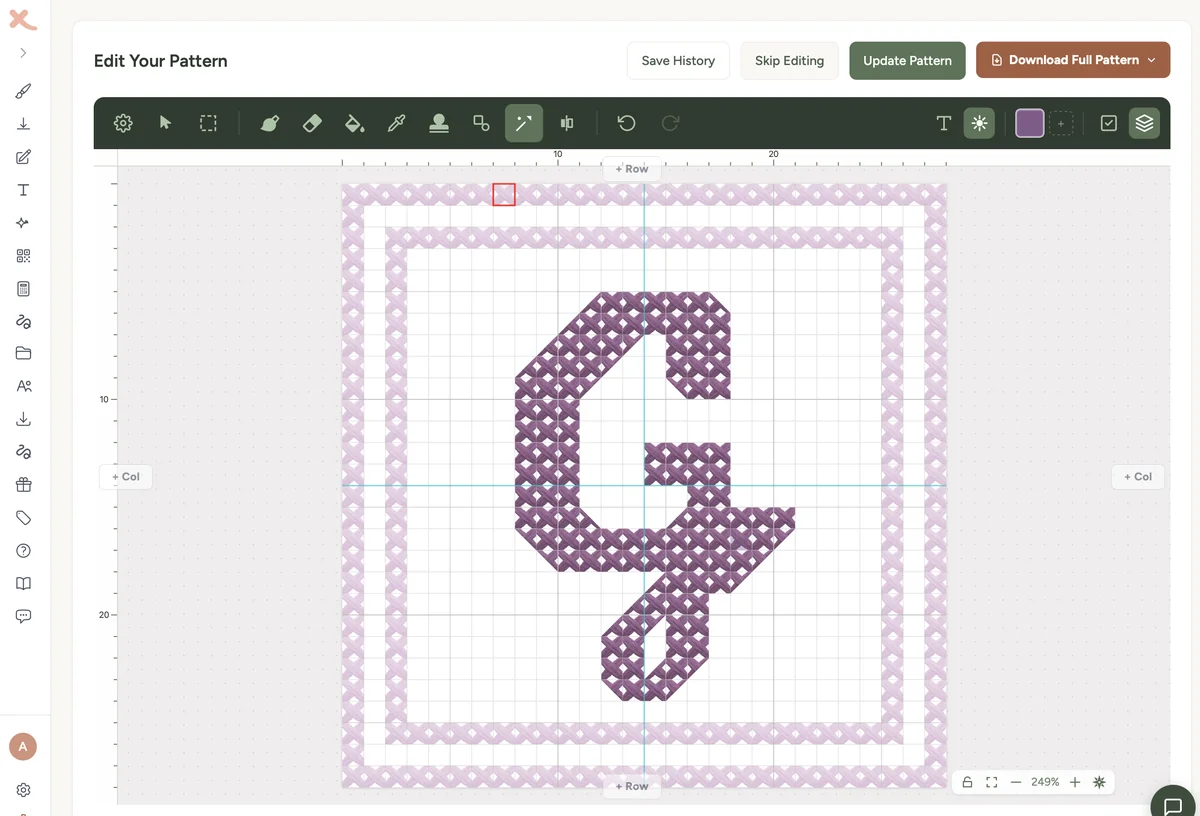
Design cross stitch monogram patterns for single initials, couples and gifts. Learn font choices, sizing, borders and honest three-letter workarounds.