How to Cross Stitch Alphabet Letters: A Lettering Guide
Learn how to cross stitch alphabet letters, with practical advice on choosing fabric, font, sizing, centring, backstitch and avoiding common lettering mistakes.
Turn photos into stitchable patterns, generate multilingual text designs, and create QR codes - all with automatic DMC thread matching and confetti reduction. No app to download.
Works on iPad, Android, and desktop - in your browser
Join hundreds of other cross stitchers - free to try, no account required. Converting a photo? See the photo to cross stitch guide.

Same photo. Same settings. Better result.
Drag the slider to compare. Both patterns use 100 stitches wide with 20 colours.


True-to-life colour matching
Our algorithm matches DMC thread colours to your image using perceptual colour science, not simple RGB. The result looks like your photo, not a washed-out version of it.
Smart confetti reduction
Confetti stitches - isolated single stitches scattered across your pattern - make projects slow and frustrating. Our converter groups colours intelligently so your pattern is cleaner and faster to stitch. See how confetti cleanup works

Tired of gridding photos by hand?
Upload an image and get a stitchable chart in seconds - with DMC thread colours automatically matched, a symbol chart, and a full supply list. Our pattern maker reduces confetti stitches so your pattern is cleaner and easier to stitch.

Others: just a picture

Xstitchify: a real chart
AI Cross Stitch Pattern Generator
Describe anything - your pet as a watercolour, your gran's cottage, a robin on a snowy branch - and get a real chart with DMC, Anchor, Madeira or Cosmo codes. Most AI cross stitch tools give you a picture that looks like a pattern. We give you the chart underneath it, with confetti reduction, a symbol key, and a full editor to tweak every stitch before you download.

Struggling to chart letters by hand?
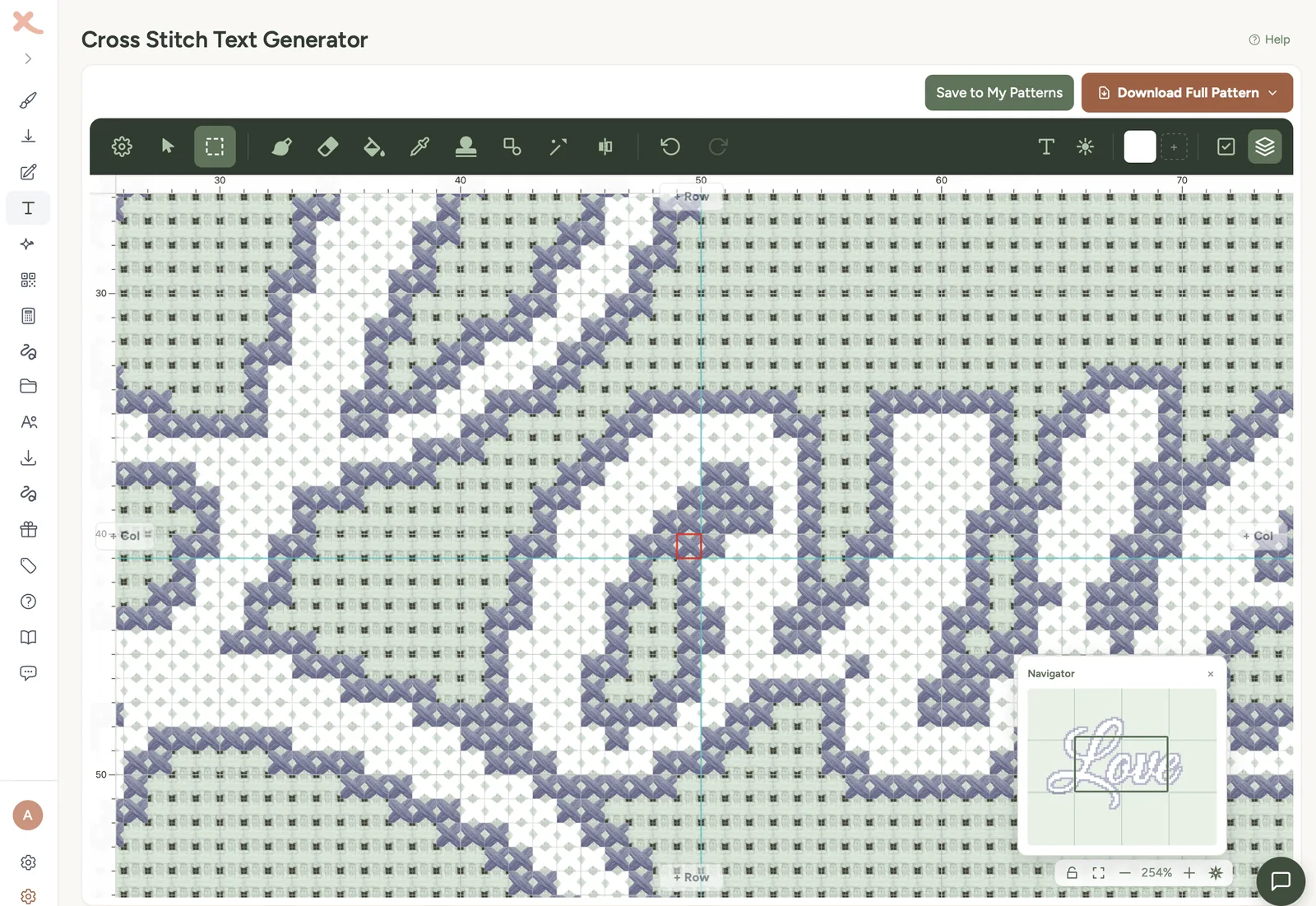
Type any name, quote, or phrase and get a cross stitch pattern instantly. Choose from multiple fonts including calligraphy, serif, block, and multilingual sans styles for accents, Cyrillic, Greek, Chinese and Japanese text. Add decorative borders and pick from colour palettes - perfect for wedding gifts, baby names, and samplers.

Want a unique cross stitch gift that does something?
Turn any URL, WiFi password, or text message into a cross stitch QR code that actually scans. The only cross stitch pattern maker with a dedicated QR code generator - great for wedding invitations, business cards, or a gift that links to a special message.
Try QR Generator
Have your own design in mind?
Start with a blank canvas and draw pixel by pixel. Use symmetry mode to create mandalas, flowers, and decorative motifs with perfect mirroring. Choose from preset sizes for bookmarks, coasters, or go fully custom.

Cross Stitch Pattern Tracker
Mark stitches off as you sew them and watch the chart fill with colour. Per-thread progress bars show exactly how far along each colour is, and a colour-highlight tool helps you find where to stitch next. Your progress syncs across iPad, iPhone, Android, PC, and desktop - start on one device, pick up on another. No separate app to download.
pattern.xsd
Imported from Pattern Maker
342 confetti stitches found
After cleanup: 14 confetti stitches
Import and clean up patterns
Confetti stitches - those isolated single stitches scattered across your pattern - make projects painfully slow. Import OXS files from Pattern Maker, MacStitch, WinStitch, or KXStitch, Pattern Maker .xsd files, or PCStitch 7/8 .pat files, and use our confetti cleanup brush to clean up the messy areas while keeping the detail that matters - like eye highlights and fine edges that make a pattern look real.
Xstitchify is a browser-based cross stitch pattern maker built to replace the slow, paper-and-pencil process of charting a design by hand. Whether you want to convert a holiday photo into a stitchable chart, type a name in a calligraphy font, design a mandala from scratch, or import a pattern from another tool to clean up the confetti, every workflow produces a real cross stitch chart with DMC, Anchor, Madeira, or Cosmo thread codes and a printable PDF compatible with Pattern Keeper.
Unlike desktop cross stitch pattern maker software like PCStitch, MacStitch, or KG-Chart that needs to be installed on a Windows or Mac computer, Xstitchify runs in any browser - so you can sketch on iPad with Apple Pencil, refine on a phone in bed, and print from a desktop the next morning. There's nothing to download. Pair it with the fabric calculator, thread calculator, and the printable DMC colour chart to plan your project end to end.
A cross stitch pattern maker is a tool that turns an image, a piece of text, or a hand-drawn design into a stitchable chart - a grid of symbols, each one mapped to a specific thread colour. Xstitchify is a free cross stitch pattern maker that runs in your browser. It handles photo conversion, text and lettering, QR codes, blank-canvas drawing, and importing OXS or .xsd files from other software, and outputs a printable PDF chart with DMC, Anchor, Madeira, or Cosmo thread codes.
The right cross stitch pattern maker depends on what you want to chart. Xstitchify is free, browser-based, and covers photos, text, QR codes, and blank-canvas designs in one tool, with confetti reduction and Pattern Keeper compatible PDFs. Desktop alternatives like PCStitch, MacStitch, and KG-Chart are also widely used, but they require installation on Windows or Mac. Stitch Fiddle is a free browser tool but lacks the AI confetti reduction and multi-tool workflow. See the full comparison for feature-by-feature details.
Most cross stitch pattern makers focus on image-to-chart conversion only. Xstitchify includes a dedicated text generator with multiple cross stitch fonts and decorative borders, plus a QR code generator that produces scannable codes you can stitch as wedding gifts, business cards, or message-linked keepsakes. Both work alongside the photo converter and use the same DMC thread matching and pattern editor.
No. Xstitchify runs entirely in your browser, so it works on iPad, iPhone, Android, Mac, and PC without any app or installation. You can sketch on iPad with Apple Pencil, refine on a phone, and print from a desktop the next morning. Desktop cross stitch pattern maker software (PCStitch, MacStitch, WinStitch, KG-Chart) requires installation and is usually limited to Windows or Mac.
Free to use, no account required. Upload a photo or type some text and have a pattern in under a minute.
Start CreatingSelling patterns on Etsy? See plans for pattern sellers
Not sure how much fabric or thread you need?
Learn how to cross stitch alphabet letters, with practical advice on choosing fabric, font, sizing, centring, backstitch and avoiding common lettering mistakes.
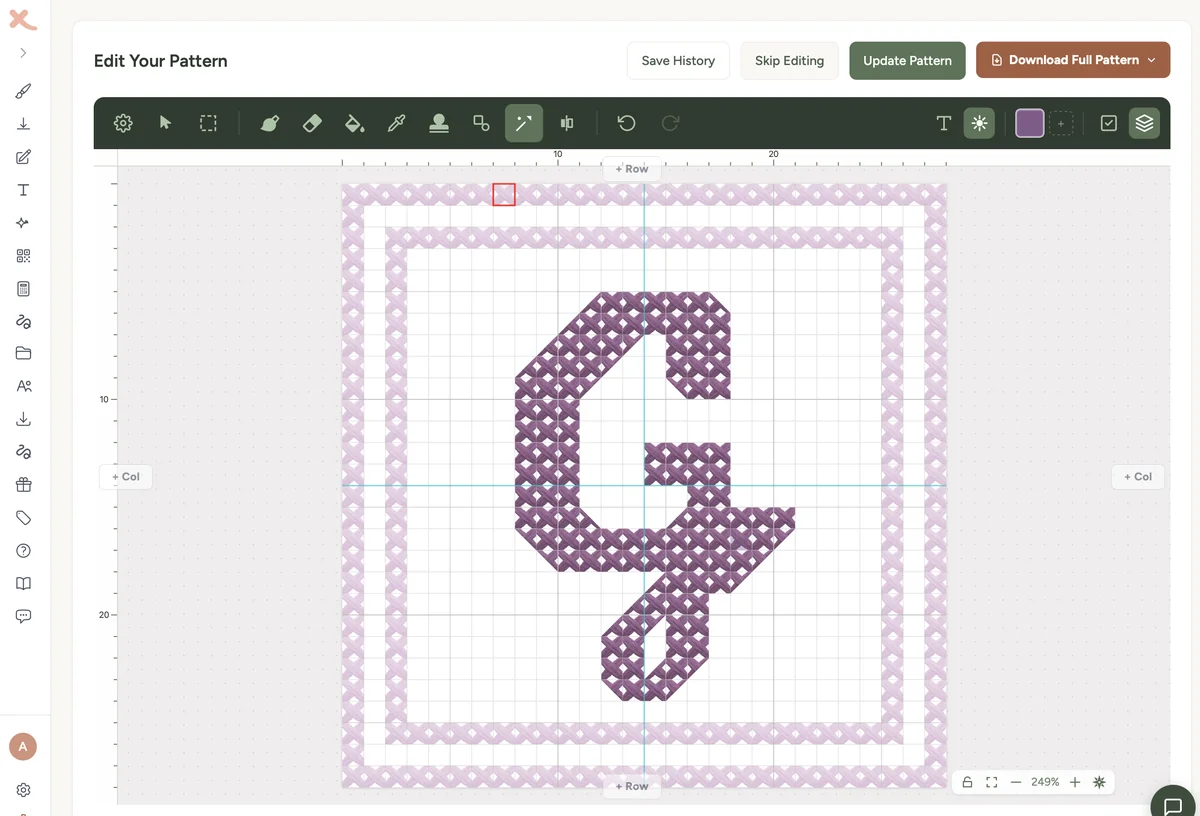
Design cross stitch monogram patterns for single initials, couples and gifts. Learn font choices, sizing, borders and honest three-letter workarounds.
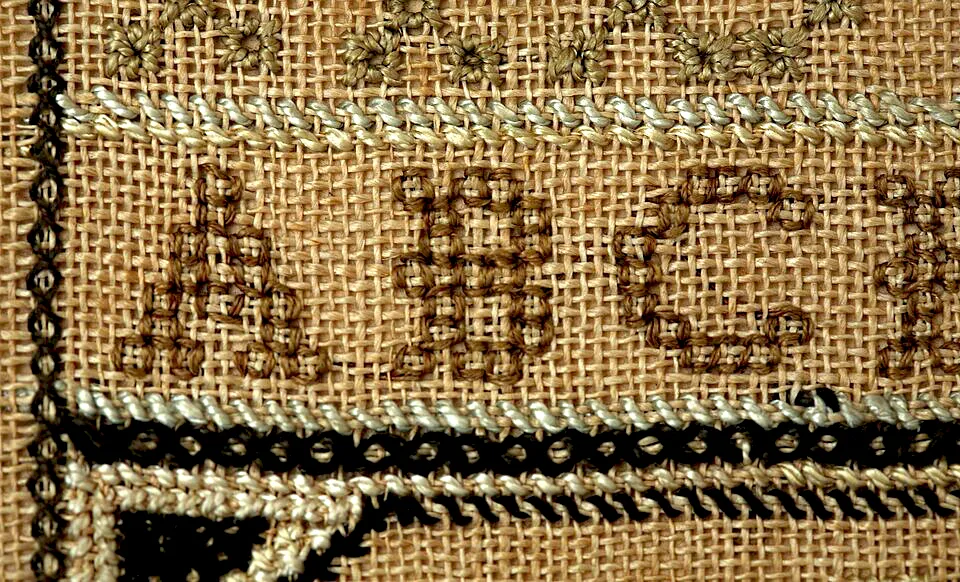
Backstitch alphabet patterns use line-based lettering instead of filled cross stitches. Learn how they differ from regular fonts, when to use them, and how to design your own.