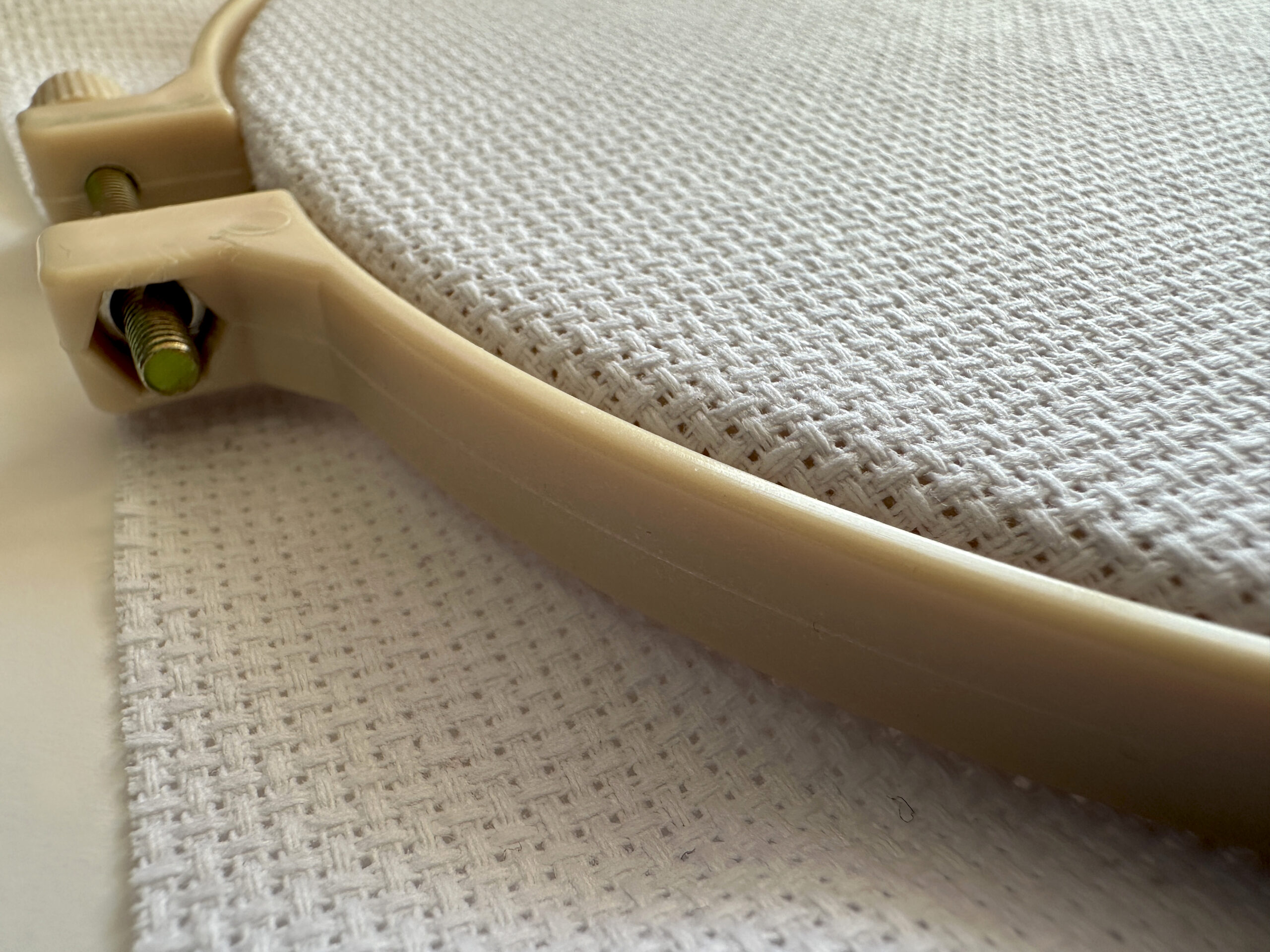
Getting cross stitch pattern size right saves wasted fabric, frustration, and projects that don’t fit their intended frames.
This guide covers how to calculate finished size, choose the right fabric count, and plan your project dimensions.
The Basic Formula
Finished size = Stitch count ÷ Fabric count
That’s it. If your pattern is 70 stitches wide and you’re using 14-count Aida:
70 ÷ 14 = 5 inches wide
Same pattern on 18-count Aida:
70 ÷ 18 = 3.9 inches wide
Higher count fabric = smaller finished piece.
Fabric Count Explained
“Count” refers to how many stitches fit in one inch.
| Fabric | Count | Difficulty | Best For |
|---|---|---|---|
| Aida 11 | 11/inch | Easiest | Beginners, children |
| Aida 14 | 14/inch | Easy | Most projects, standard choice |
| Aida 16 | 16/inch | Moderate | Detailed work, smaller finishes |
| Aida 18 | 18/inch | Harder | Fine detail, compact pieces |
| Evenweave 28 | 14/inch* | Moderate | Nicer drape, experienced stitchers |
*Evenweave is counted differently — 28-count stitched over 2 threads = 14 stitches per inch.
Quick Size Reference
Common Pattern Sizes on 14-Count
| Stitch Count | Finished Size |
|---|---|
| 28 × 28 | 2” × 2” |
| 42 × 42 | 3” × 3” |
| 56 × 56 | 4” × 4” |
| 70 × 70 | 5” × 5” |
| 84 × 84 | 6” × 6” |
| 98 × 98 | 7” × 7” |
| 112 × 112 | 8” × 8” |
| 140 × 140 | 10” × 10” |
Same Patterns on Different Counts
A 70 × 70 stitch pattern:
| Fabric Count | Finished Size |
|---|---|
| 11-count | 6.4” × 6.4” |
| 14-count | 5” × 5” |
| 16-count | 4.4” × 4.4” |
| 18-count | 3.9” × 3.9” |
Calculating Fabric Needed
Add margins around your finished design for framing:
Fabric needed = Finished size + (Margin × 2)
For a 5” × 5” finished design with 3” margins on each side:
5 + (3 × 2) = 11 inches
Cut your fabric 11” × 11”.
Recommended Margins
| Finishing Method | Margin Each Side |
|---|---|
| Hoop display | 2 inches |
| Standard frame | 3 inches |
| Large frame | 4 inches |
| Pillow or finishing | 2-3 inches |
Larger margins are easier to work with. Excess fabric is cheap; not having enough is a disaster.
How Big Is My Pattern?
From a Downloaded Pattern
Check the pattern details. All our patterns show: - Stitch count (e.g., 70 × 45 stitches) - Finished sizes on 14, 16, and 18-count
From a Text Generator
When you generate text patterns on our Text Generator, the preview shows: - Total stitch dimensions - Estimated finished sizes
From an Image Converter
When you upload an image to our Pattern Maker, you control the output size. The preview shows stitch count before you download.
Planning for Frames
Working backwards from a frame size:
Target stitch count = (Frame opening - Margins) × Fabric count
Example: You have a 6” × 6” frame opening, using 14-count Aida with 0.5” mat margins:
(6 - 1) × 14 = 70 stitches
Your pattern should be no larger than 70 × 70 stitches.
Common Frame Sizes
| Frame Opening | Max Pattern (14-count, 0.5” margins) |
|---|---|
| 4” × 4” | 42 × 42 |
| 5” × 5” | 56 × 56 |
| 6” × 6” | 70 × 70 |
| 8” × 8” | 98 × 98 |
| 8” × 10” | 98 × 126 |
| 11” × 14” | 140 × 182 |
Pattern Size Calculator
Use our Fabric Calculator to: - Enter your pattern dimensions - See finished sizes on different fabric counts - Calculate fabric needed
Or do it manually: 1. Get your stitch count from the pattern 2. Divide by fabric count 3. Add margins 4. Cut fabric
Making Patterns Fit
Pattern Too Big?
Options: - Use higher count fabric (18 instead of 14) - Use the pattern maker with reduced dimensions - Accept a larger finished size
Pattern Too Small?
Options: - Use lower count fabric (11 instead of 14) - Add a decorative border - Use a smaller frame or hoop
Text Too Long?
If text won’t fit your intended space: - Use Mini font (smallest option) - Split across multiple lines - Abbreviate or shorten the text - Use higher count fabric
Multiple Sizes in One Project
When combining elements (e.g., text with an image):
- Generate each element separately
- Note the stitch dimensions of each
- Plan the layout on graph paper or digitally
- Calculate total size needed
- Add margins to the total
Example: - Name (Block font): 48 × 7 stitches - Date (Mini font): 30 × 5 stitches - Spacing: 5 stitches between - Total height: 7 + 5 + 5 = 17 stitches - Total width: 48 stitches (widest element)
Stitches Per Hour
Planning your time:
| Experience | Stitches/Hour |
|---|---|
| Beginner | 50-100 |
| Intermediate | 100-200 |
| Experienced | 200-400 |
A 70 × 70 pattern (4,900 stitches total, but not all filled) with ~60% coverage:
- Beginner: 30-60 hours
- Intermediate: 15-30 hours
- Experienced: 8-15 hours
These are rough estimates. Complex patterns with many colour changes take longer.
Converting CM to Stitches
If you’re working in metric:
Stitches = CM × (Fabric count ÷ 2.54)
Example: Want a 10cm wide design on 14-count:
10 × (14 ÷ 2.54) = 10 × 5.5 = 55 stitches wide
Frequently Asked Questions
How do I calculate cross stitch pattern size?
Divide your stitch count by your fabric count. A 70-stitch wide pattern on 14-count Aida = 5 inches wide.
What count Aida should I use?
14-count for most projects (easiest to see, reasonable finished size). 16-18 for detailed work or smaller finishes. 11-count for beginners or children.
How much bigger should fabric be than the pattern?
Add 3 inches on each side (6 inches total to width and height) for framing. More is safer.
How do I know if my pattern will fit my frame?
Measure your frame opening. Subtract margin for matting (usually 0.5-1 inch). Multiply by your fabric count. That’s your maximum stitch count.
Why does the same pattern look different sizes in different projects?
Different fabric counts. A pattern stitched on 11-count looks larger than the same pattern on 18-count, even though it’s the same number of stitches.
Can I change a pattern’s size?
Not easily after it’s created. To resize: - Regenerate with different settings (for our generators) - Use a different fabric count (same pattern, different finished size) - Redraft manually (time-consuming)
Quick Reference Card
To find finished size: Stitches ÷ Fabric count = Inches
To find stitches needed: Inches × Fabric count = Stitches
To find fabric needed: Finished size + (2 × Margin) = Fabric size